


Contents
Free voice changer for PC | AI Voice Changer for PC & Mac
 The rise of AI-powered voice changers has opened up a whole new world of possibilities for gamers, content creators, and anyone who wants to have some fun with their voice. One such software making waves is Voice.AI, an AI voice changer available for PC, Mac, iOS, and Android. This tool allows you to change your voice in real-time, offering thousands of voice presets—including famous personalities, game characters, and even fictional voices. But is it really as good as it sounds? In this review, we’ll test Voice.AI’s features, usability, voice quality, and pricing to see if it’s worth trying.
What is Voice.AI?
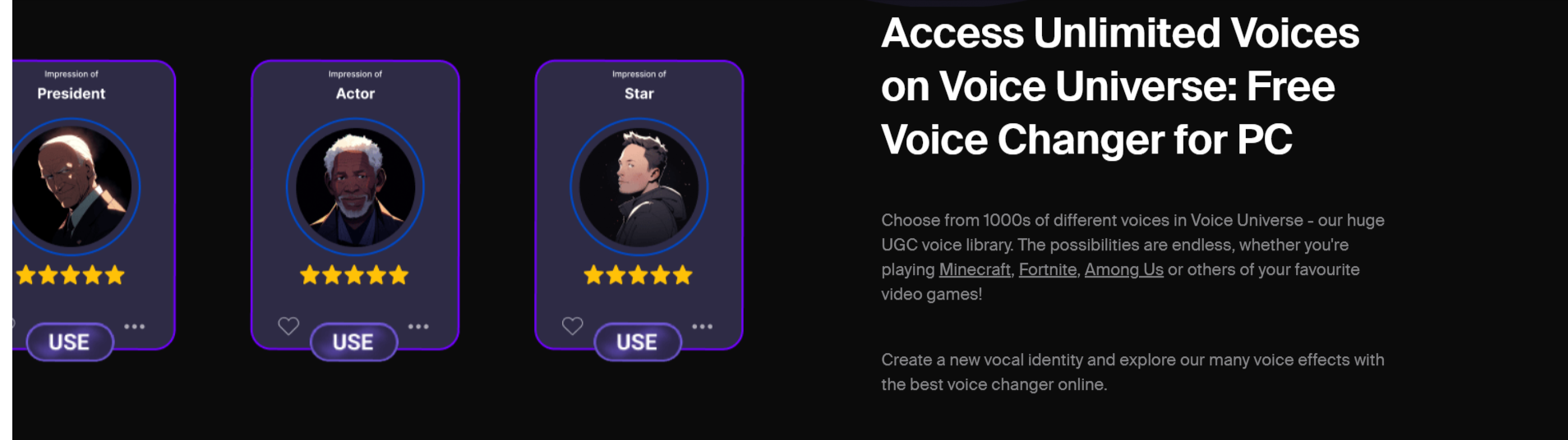
Voice.AI is an AI-powered voice changer that lets users modify their voice in real-time or through recorded audio clips. It works on: ✔ PC & Mac (real-time voice changing for apps & games) ✔ iOS & Android (only works with recorded audio, not real-time) The software provides a massive library of voice presets—with over 3,800+ voices available, including: ✔ Popular YouTubers (e.g., MrBeast, Markiplier) ✔ Game Characters (e.g., Valorant’s Jett, Mario, Master Chief) ✔ Celebrities (e.g., Elon Musk, Andrew Tate, Joe Biden) ✔ Cartoon & Anime Voices ✔ Generic Voices (e.g., Gamer Girl, Politician, Narrator) With so many choices, it’s easy to find a voice that fits any scenario, whether for fun, gaming, content creation, or prank calls.How to Use Voice.AI?
Using Voice.AI is fairly simple:1. Download & Install
- Go to the Voice.AI website and download the app for Windows, Mac, iOS, or Android.
- Install the software and create an account.
2. Choose a Voice
- Browse through thousands of AI-generated voices.
- Select a voice from different categories (Games, Movies, Celebrities, etc.).
- Some voices are free, while others require credits to unlock.
3. Use in Real-Time or Record Audio
- PC/Mac Users: Toggle between Live Mode (real-time voice change) or Record Mode (pre-record and modify audio).
- Mobile Users: Can only use Record Mode to modify audio clips.
4. Adjust Microphone Settings
- Set “Voice.AI Audio Cable” as your default microphone in apps like Discord, Zoom, or video games.
- For recording, speak into your mic, and the app will process the audio in the selected voice.
5. Start Speaking & Have Fun!
- Whether gaming, making prank calls, or creating content, you’ll hear yourself in the new voice.
Features of Voice.AI
✔ Massive Library of Voices – Over 3,800+ presets to choose from. ✔ Real-Time Voice Changing – Works with apps like Discord, Zoom, Skype, OBS, and games. ✔ High-Quality AI Processing – AI-generated voices sound realistic (though quality varies). ✔ Custom Voice Training – Train and unlock specific voices using credits. ✔ Multiple Platform Support – Available on PC, Mac, iOS, and Android. ✔ Live Mode & Record Mode – Choose real-time voice transformation or pre-recorded editing.Testing Voice.AI – How Good Is It?
We tested the free version of Voice.AI and here’s what we found:Voice Variety & Quality
- Some voices are shockingly accurate (e.g., MrBeast, Elon Musk, Jett from Valorant).
- Others sound robotic or unnatural, especially with certain accents.
- The better voices often require credits to unlock.
Real-Time Performance
- Works well in Discord, Zoom, and gaming applications.
- Minimal lag, though some high-quality voices take longer to process.
Limitations of the Free Version
- Free voices change daily—you can’t always use your favorite preset.
- Recordings have a watermark and are limited to 15 seconds.
- Unlocking voices requires credits, which can be earned or purchased.







