
I recently downloaded the “Projector – HD Video Mirroring App” in hopes of improving my viewing experience and taking advantage of its advertised features. The app seemed promising, claiming to offer a unique way to project videos and images onto a wall, just like a real projector. However, after using it, I quickly realized that the app doesn’t live up to its marketing, and my expectations were largely unmet.
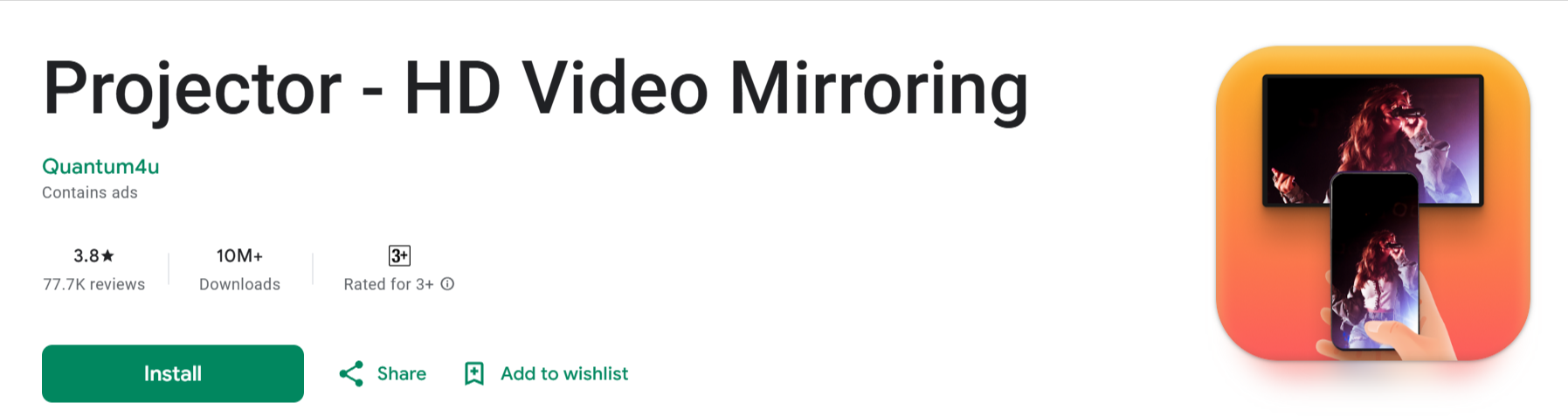 What the App Promises vs. Reality
The first thing I noticed after launching the app was that it is, in fact, not a projector in the traditional sense. As the name suggests, I was hoping to use it to mirror my mobile screen onto a wall or large surface. To my disappointment, this app does not have the capability to project onto a wall at all. Instead, what it actually does is cast your mobile screen to a TV or other connected devices, something that many modern smartphones and smart TVs can already do without the need for any additional apps.
This is a major issue, as the app’s description clearly implies that it functions as a projector, which is misleading. The lack of the promised wall projection feature makes the app feel like a scam, especially considering its name and the bold claims on the download page.
What It Actually Does
To be fair, the app does perform the basic function of casting your phone’s screen to a TV. However, this is a function that is already built into most smartphones and smart TVs, either through features like screen mirroring or apps like Google Cast or Apple AirPlay. So, in that sense, the app doesn’t offer anything particularly innovative or useful beyond what is already available through standard device features.
It’s important to note that there is no option to project onto a wall or any surface using this app, which was a key feature I was hoping for. It feels like false advertising, as the app does not match the expectations set by its name or description.
One Positive: Transfer Speed
On the positive side, there is one feature that stood out during my experience— the app’s transfer speed. While using the app to cast content to my TV, I noticed that it provides an accurate display of the data transfer rate. According to the app, the maximum transfer speed it supports is around 9 megabytes per second, which is decent, though not particularly impressive compared to other similar apps or devices.
The transfer speed indicator is a nice touch, as it allows you to see how well the app is performing during use. While it’s not a game-changing feature, it does provide a sense of transparency about the app’s performance.
Conclusion
Overall, my experience with the “Projector – HD Video Mirroring App” was disappointing. The app is, at best, a simple casting tool for TVs, and at worst, it is a misleading product that falsely advertises itself as a projector. If you’re looking to project your phone’s content onto a wall, this app is not the right choice. However, if you only need to cast to a TV and are okay with a basic mirroring feature, it might still be useful.
In conclusion, the app needs a better description to clarify its limitations, and its marketing should be adjusted to reflect what it actually does—casting to a TV, not projecting to a wall.
Views: 7
Popular Topics;
👉Apps that pay $100 a day | Websites that pay $100 a day
👉How to Make Money from Amazon Affiliate Links on Pinterest
👉How To Use FREE Minimax AI Video Generator To Make Money
👉How to Make Money With Hailuo AI Minimax FREE Video Generator
👉 How To Use FREE Hailuo AI Image To Video Generator To Make Money
👉 Get Paid to Test Apps and Websites | Make money Online Fast
👉How to Make Money as an Online Chat Moderator
👉Top Websites That Pay You to Read
👉 How to Make Money Without Talking to Anyone
👉 Ways to Make Money as a 13-Year-Old Online for Free
👉 How to Make Money Online as a Teenager in Australia
👉 Ways to Make Money Online as a Teenager in the USA
👉 5 best skills to learn to make money
👉 Best Ways to Make Money Online as a Teenager
👉 How to make money on PayPal
👉 How to make money on Google Maps
👉 legit games that pay real money instantly
👉 How to create a Virtual PayPal account in Uganda
Recent Posts
- s Digital Doggo Legit? 5 Red Flags the Viral Ads Don’t Want You to See
- Membercost.com Review: Is the $750 Costco Gift Card Offer Legit or Just Another Scam?
- McGiftClaim.com Review: Is the $100 McDonald’s Gift Card Offer Real or a Scam?
- Cartvoucher.deals Review: Is the $750 Costco Gift Card Offer Legit or a Scam?
- Lottery Gap AI Review: Warning Signs Behind the Dr. Leonard Voss Lottery System
- Proverbs Profits Review: Is the 60-Second WiFi Trick Legit or a Scam?
- How to Win Aviator Game Online for Beginners for free
- Top Chicken Road Game Strategies to WIN Online
- Free Movie & Web Series Apps in India You Must Try in 2025
- My Insta360 Link Review: A Streamer’s New Secret Weapon
- My Audeze Maxwell Review: A Heavyweight Champion for My Ears and Voice
- My Shokz OpenRun Pro Experiment: A Personal Review from an Apple Audio User
- My Personal Experience Using WHOOP 4.0: The Good and the Frustrating
- My Experience Using the Twelve South ButterFly 2-in-1 MagSafe Charger
- My Personal Experience with the Edifier QR65 Desktop Speaker
- My Experience Using the UGREEN Nexode RG 65W GaN Charger
- The Pocket AI Companion That Surprised Me – Real Experience Using the Rabbit R1
- Using the Framework Laptop 16: The Most Customizable Laptop I’ve Ever Owned
- My Experience Using the SwitchBot Curtain 3 for Smart Home Control
- My Honest Experience Using the Govee AI Sync Box Kit 2 for Gaming and Smart Lighting
- My Experience Using the Insta360 GO 3: What I Learned After Real-World Use
- My Personal Experience with Frame by Brilliant Labs Smart Glasses
- App approval on Playstore pending for more than 2Months | Low-quality “wrapper” apps will not be Accepted
- My Long-Term Experience Using the Retroid Pocket 4 Pro
- My Personal Experience Using the AYANEO Flip DS: A Compact Dual-Screen Handheld PC That Redefines Gaming On the Go
- My Experience with the Keychron Q1 Pro Mechanical Keyboard
- My Personal Experience with the Sharge Flow Mini 2 Power Bank a Travel-Friendly Fast Charger
- 8BitDo Ultimate Bluetooth Controller Review: Comfortable, Customizable, and a Strong Alternative to Premium Controllers
- DJI Mic 2 Review: My Personal Experience with Crystal Clear Wireless Audio
- My Personal Experience Using the Anker Nebula Capsule 3 Laser
Views: 7