
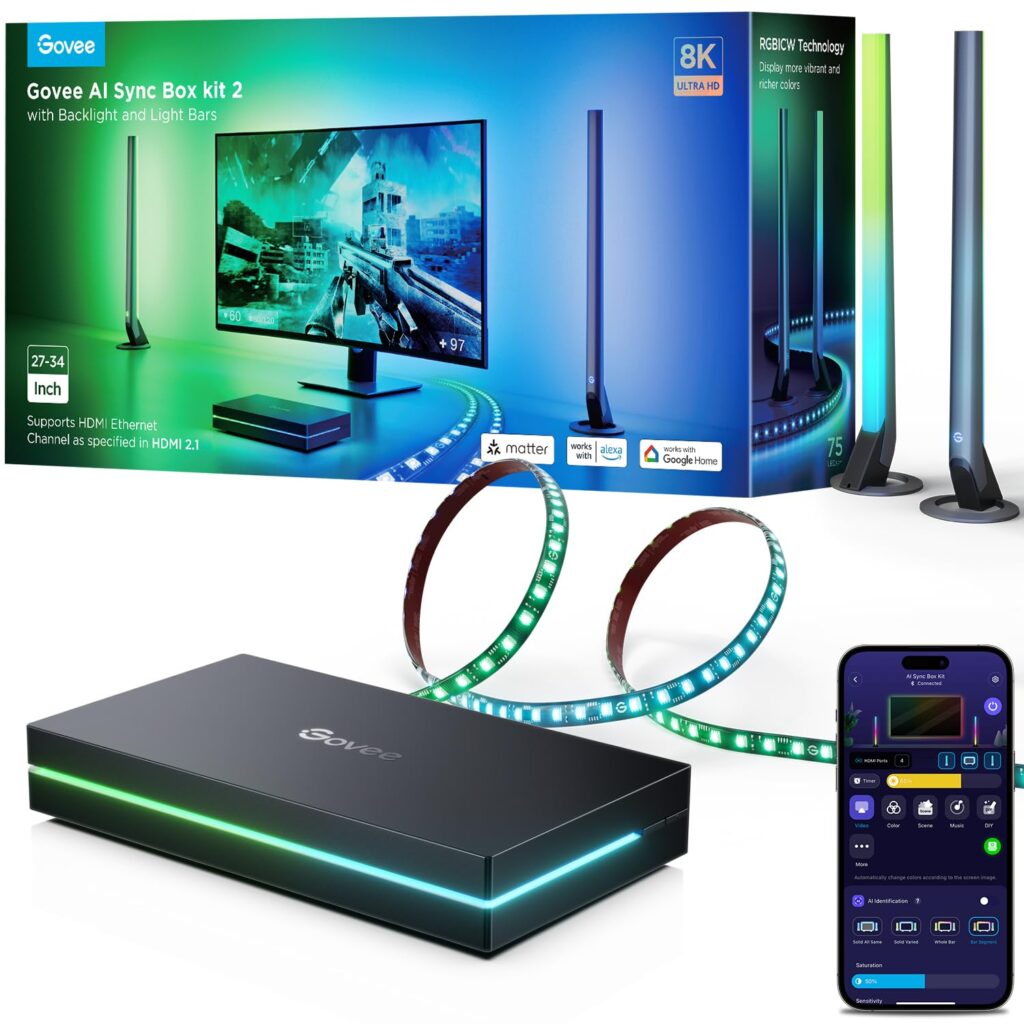
Setup and First Impressions
When I first unboxed the Govee AI Sync Box Kit 2, I was impressed with how simple the setup process was. The instructions were straightforward, and it didn’t take me more than 10 minutes to get everything connected. Unlike the older DreamView camera setup, this box doesn’t require a camera on top of your monitor, which makes your space look cleaner and less cluttered. The initial results were instantly noticeable — my desk went from looking ordinary to feeling like a professional gaming station.
Gaming and Entertainment Experience
This device really shines when it comes to immersion. Paired with my gaming monitor and RGB setup, the lights sync with on-screen action, creating a more engaging experience. I tested it with League of Legends, Apex Legends, and a few single-player titles. The results varied — fast-paced games with lots of effects felt incredible, while slower or more static games didn’t trigger much lighting action. Compared to the older DreamView camera kit, the colors here feel sharper and more accurate. When the screen goes black, the lights dim properly, which is a nice touch.
AI Features and Performance
The AI feature sounded like a big selling point, but in practice, it felt inconsistent. It worked best in games with a lot of visual triggers, but with some titles it barely activated. For ultrawide monitor users, the experience can be even more limited since the AI doesn’t always pick up effects as well. Some users also reported occasional issues with the device freezing or lights failing to turn on, requiring a full unplug-and-restart to fix. While the AI is an interesting addition, it doesn’t always deliver on expectations.
Everyday Use and Smart Controls
Outside of gaming, the Govee AI Sync Box Kit 2 adds a great ambiance to the room. The companion app makes it easy to switch between presets, adjust brightness, or sync the lights with music. I also appreciated how well it worked with other Govee products, allowing me to build a unified lighting system without much hassle. Compared to Philips Hue, this kit offers similar effects at a much lower price, though Hue still has the advantage of broader smart home integration.
Design and Practical Benefits
One of the strongest aspects is how clean and modern the setup looks. Since it doesn’t rely on a visible camera, the overall appearance is much sleeker. The lighting is soft and easy on the eyes, which helps reduce eye strain during long gaming or work sessions. It also makes any gaming or streaming setup look more professional and appealing.
Mixed Feedback from Other Users
Not everyone has had a flawless experience with this kit. Some felt it was overpriced compared to Govee’s cheaper gaming lights, which still do a decent job at syncing colors. Others experienced bugs that required frequent resets. That said, many users praised its better accuracy over camera-based systems and its ability to rival Philips Hue at a fraction of the cost.
My Takeaway
After spending time with the Govee AI Sync Box Kit 2, I’d say it’s a strong choice if you’re looking to upgrade your gaming or entertainment setup. It makes a big difference in atmosphere, works well with other Govee products, and is much easier to install than competing systems. Still, the AI feature feels more like a bonus than a game-changer, and the high price might not feel justified for everyone.
For me, it was worth it because of the improved color accuracy, cleaner look, and the overall boost it gave to my gaming environment. If you’re already invested in Govee products or want a cost-effective alternative to Philips Hue, this is a solid option — just know it has a few quirks.
Views: 6