


Contents
If you are looking to enhance your streaming experience, adding Real Debrid to Stremio is a great option. Real Debrid allows users to access high-quality streams with better speed and fewer buffering issues. In this guide, we will walk you through the step-by-step process to integrate Real Debrid with Stremio. Whether you’re a beginner or an experienced user, follow this detailed guide carefully.
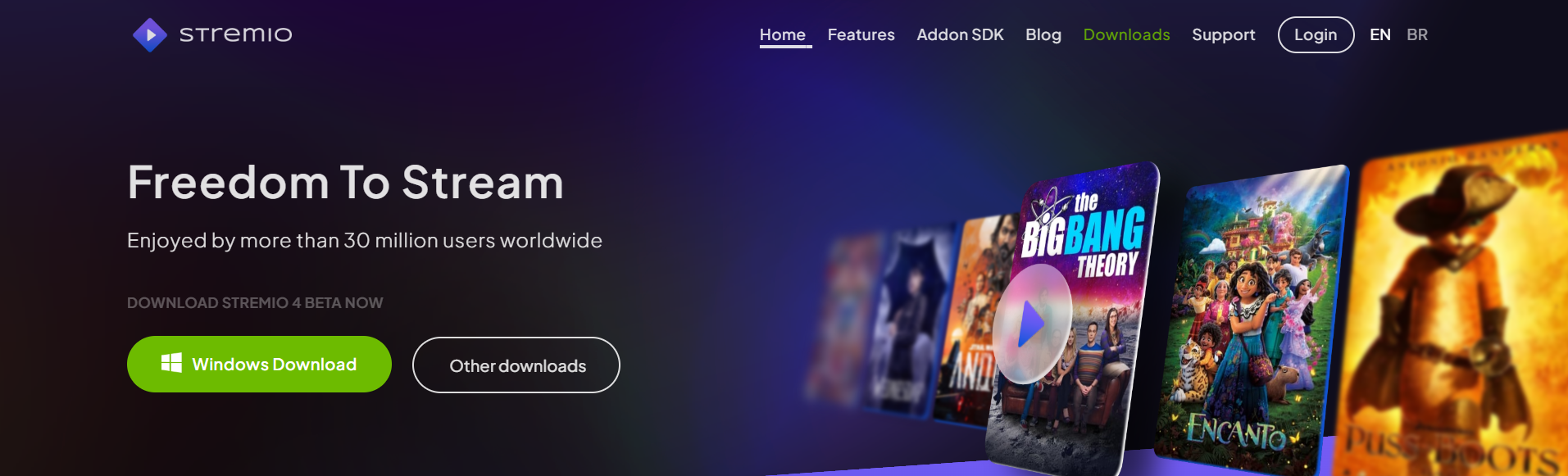 What is Stremio?
Stremio is a popular media streaming application that allows users to watch movies, TV shows, live channels, and more using different addons. It is a great alternative to Kodi and supports various third-party addons, including those that integrate with Real Debrid.
What is Real Debrid?
Real Debrid is a multi-hosting service that provides premium-quality links for streaming and downloading. It ensures faster speeds and access to high-quality video content. However, it requires a paid subscription for full access.How to Add Real Debrid to Stremio (Step-by-Step Guide)
Step 1: Create a Real Debrid Account
- Visit the official Real Debrid website.
- Sign up for a new account or log in if you already have one.
- To unlock premium features, subscribe to a paid plan.
Step 2: Download and Install Stremio
- Go to the official Stremio website.
- Download the app for your device (Windows, Mac, Android, iOS, or Linux).
- Install the application and launch it.
- Create a Stremio account or log in with an existing account.
Step 3: Install a Torrent Addon that Supports Real Debrid
- Open Stremio and go to the Add-ons section.
- Search for a torrent-based addon that supports Real Debrid (e.g., Torrentio).
- Click on the addon and select Install.
- Wait for the installation to complete.
Step 4: Configure Real Debrid in Stremio
- Open your torrent addon settings in Stremio.
- Scroll down to the Debrid Provider section.
- Select Real Debrid as your preferred provider.
- You will be prompted to enter an API Key.
Step 5: Get Your Real Debrid API Key
- Go back to the Real Debrid website and log in.
- Click on My Devices from your dashboard.
- Scroll down to find the API Private Token.
- Copy the API key provided.
Step 6: Enter the API Key in Stremio
- Return to the torrent addon settings in Stremio.
- Paste the API Private Token into the configuration page.
- Click Save or Confirm to complete the setup.
Step 7: Install and Enable the Addon
- After adding the Real Debrid API key, select Install.
- Once installed, click Open to launch the addon.
- Go back to Stremio Home, navigate to My Add-ons, and verify that the torrent addon is enabled.
Step 8: Start Streaming with Real Debrid
- Search for your favorite movie or TV show in Stremio.
- You will now see Real Debrid sources available.
- Select a premium source and enjoy high-quality streaming with reduced buffering.






