


Contents
Fireflies AI Review | Read this before you use Fireflies AI
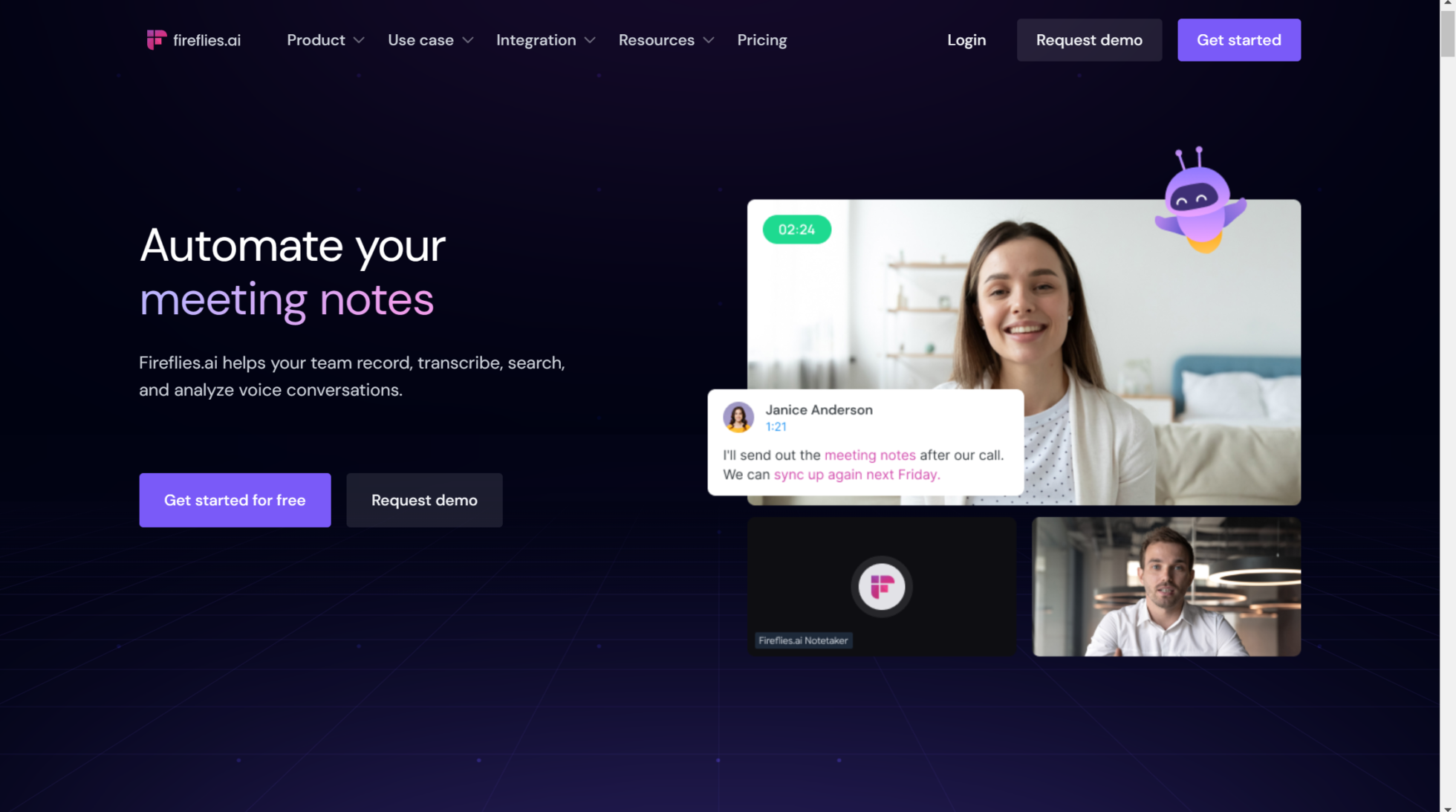 Having an AI-powered meeting assistant can be a game-changer. Fireflies AI is one such tool that promises to streamline your meetings by automatically transcribing conversations, summarizing discussions, and integrating with various productivity tools. But is Fireflies AI worth it? In this comprehensive review, I will break down its pricing, features, accuracy, and overall usability to help you decide if it’s the right fit for you.
What is Fireflies AI?
Fireflies AI is an AI meeting assistant designed to record, transcribe, and summarize meetings across multiple video conferencing platforms such as Zoom, Google Meet, and Microsoft Teams. It aims to enhance team productivity by providing searchable transcriptions, AI-generated summaries, and collaboration tools.Fireflies AI Pricing Plans
Fireflies AI offers four pricing tiers:- Free Plan – $0 (Forever Free)
- Unlimited transcription
- Limited AI summaries
- 800 minutes of storage per user
- Supports 69 languages with auto-detection
- Meeting search and smart filters
- Basic integrations with video conferencing platforms
- Pro Plan – $10/month per user
- Includes everything in the Free plan
- Unlimited AI summaries
- 8,000 minutes of storage per user
- Access to AI apps and smart search filters
- Expanded integrations with CRM tools and Slack
- Business Plan – $19/month per user
- All Pro features plus:
- Smart search filters and topic tracking
- Speaker talk time analysis
- Unlimited public channels
- Integration with more enterprise tools
- Enterprise Plan – $39/month per user
- Tailored for large organizations
- Custom AI models and premium support
- Additional security and compliance features
Key Features of Fireflies AI
1. Accurate Transcription
Fireflies AI provides real-time transcription with high accuracy. It supports 69 languages and automatically detects the spoken language during meetings. Users can also manually edit transcriptions if minor errors occur.2. AI Summaries & Notes
The AI-generated summaries categorize key points, action items, and follow-ups. This feature is especially useful for quickly reviewing meetings without going through the entire transcript.3. Searchable Transcriptions
Fireflies AI allows users to search for specific words or phrases within meetings, making it easier to locate critical discussions or decisions made in previous calls.4. AI Assistant (Ask Fred)
“Ask Fred” is an AI-powered assistant integrated into Fireflies AI, similar to ChatGPT. It can analyze meeting content and generate insights based on discussions.5. Meeting Recordings & Playback
Users can store and playback meetings anytime, with options to highlight and bookmark key moments.6. Pre-recorded Meeting Uploads
Fireflies AI allows users to upload pre-recorded meetings, making it useful for transcribing and summarizing past discussions.7. CRM & Productivity Tool Integrations
Fireflies AI seamlessly integrates with popular tools like Slack, HubSpot, Salesforce, Notion, and more. This enables automatic sharing of transcriptions and summaries with your team.8. Smart Filters & Speaker Talk Time
The smart filters help categorize discussions based on pricing, questions, or specific topics. The speaker talk time analysis provides insights into how much each participant contributes to a meeting.9. Playlists & Soundbites
Users can create playlists of key soundbites from meetings, making it useful for training, reference, or sales coaching.10. Mobile & Chrome Extension Support
Fireflies AI is available as a mobile app and a Chrome extension for convenient access across devices.Fireflies AI Accuracy & Performance
One of the standout features of Fireflies AI is its impressive transcription accuracy. While no AI transcription tool is 100% perfect, Fireflies AI does a great job of capturing conversations with minimal errors. If any inaccuracies arise, users can edit the transcripts manually.Who Should Use Fireflies AI?
Fireflies AI is an excellent choice for:- Businesses & Teams – Streamline meeting documentation and collaboration.
- Sales & Customer Support Teams – Record client interactions for training and compliance.
- Content Creators & Podcasters – Easily transcribe interviews and discussions.
- Students & Educators – Take notes automatically during lectures and webinars.







