


Contents
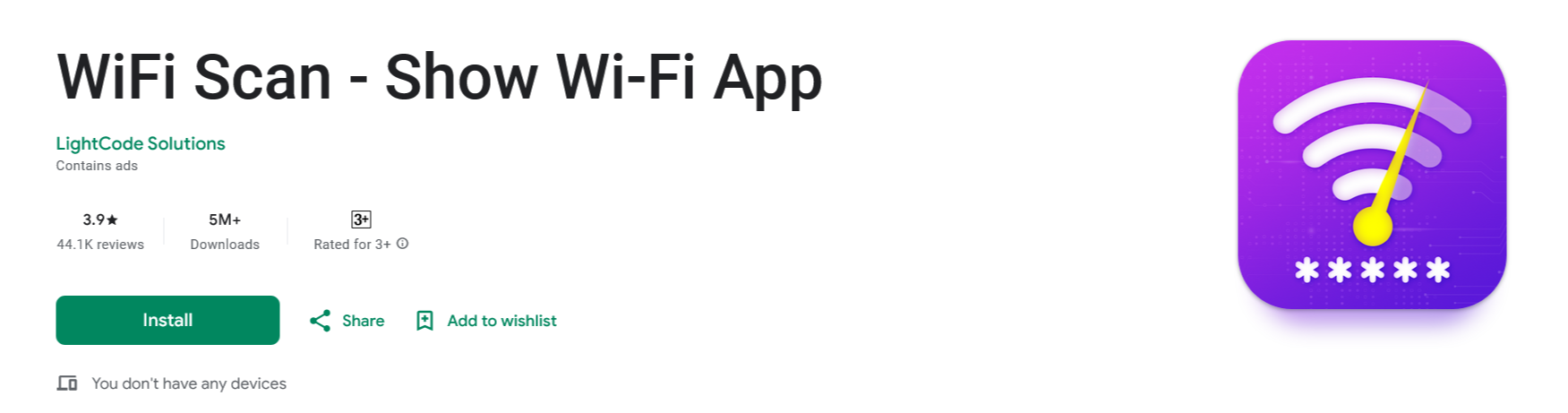 In the world of Wi-Fi scanning apps, many claim to help users find and unlock Wi-Fi passwords with ease. One such app, WiFi Scan – Show Wi-Fi, has gained attention for its promise of revealing nearby Wi-Fi networks and their passwords. But does it really work? Is it a legitimate app or just another misleading tool? In this article, we’ll break down how WiFi Scan – Show Wi-Fi works, whether it’s legit or a scam, and what users should know before downloading it.
What is WiFi Scan – Show Wi-Fi?
WiFi Scan – Show Wi-Fi is an app available on various app stores that claims to scan for nearby Wi-Fi networks and, in some cases, display their passwords. The app markets itself as a tool for users to find and connect to available Wi-Fi networks, seemingly making internet access easier. However, upon closer inspection, the app’s functionality raises some serious red flags.How Does WiFi Scan – Show Wi-Fi Work?
The app appears to scan for Wi-Fi networks in the area and display a list of available connections. It may also claim to show passwords for these networks, leading users to believe they can access private or locked Wi-Fi connections without authorization. However, here’s what actually happens:- The app does not reveal real Wi-Fi passwords.
- It cannot connect to a Wi-Fi network without the correct password entered manually.
- Many of the networks and passwords it displays are fake and randomly generated.
- It misleads users by listing Wi-Fi networks that do not even exist in the area.
Is WiFi Scan – Show Wi-Fi Legit or a Scam?
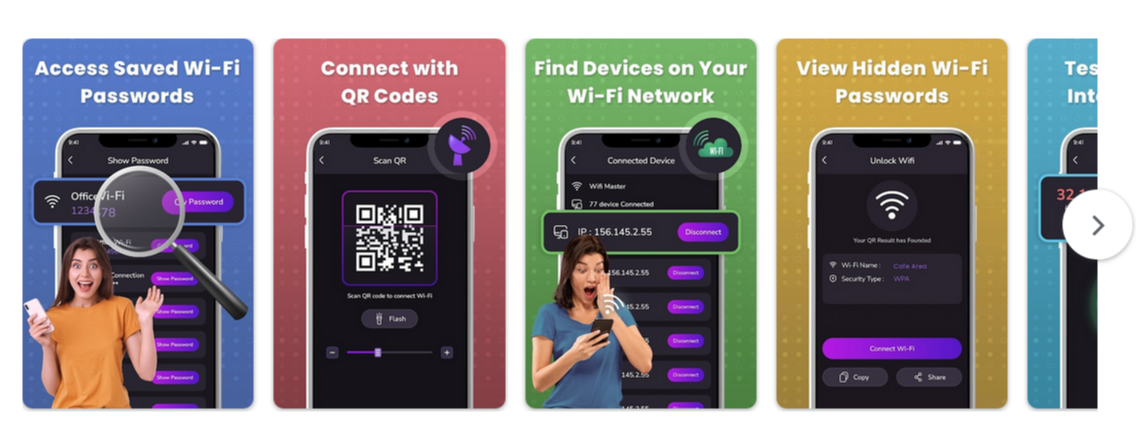 Based on user experiences and personal testing, WiFi Scan – Show Wi-Fi is misleading and does not function as advertised. Here’s why:
- It claims to reveal Wi-Fi passwords, but it does not actually unlock any real networks.
- Even in areas where only one or two Wi-Fi networks exist, the app will falsely display hundreds of available networks.
- The so-called passwords it shows are completely fake and will not work on any actual Wi-Fi connection.
- Users expecting to gain access to free Wi-Fi will be disappointed as the app does not deliver on its promises.
The Misleading Nature of WiFi Scan – Show Wi-Fi
Many users download this app hoping to gain access to locked Wi-Fi networks, but it simply generates fake Wi-Fi names and passwords to trick users into thinking it works. If you try using it in a rural area with only one or two Wi-Fi networks available, you’ll still see hundreds of fake Wi-Fi names listed, proving that the app is unreliable. Additionally, misleading marketing tactics often make users believe they can access free Wi-Fi anywhere, but this is simply not true. The app cannot bypass Wi-Fi security measures and is purely a scam to attract downloads.Final Verdict: Should You Download WiFi Scan – Show Wi-Fi?
No, WiFi Scan – Show Wi-Fi is not worth downloading. It does not work as promised and will not help you unlock Wi-Fi passwords. If you need Wi-Fi access, your best bet is to:- Use legitimate Wi-Fi hotspot finders like Wi-Fi Map or Instabridge.
- Ask permission from the owner of the Wi-Fi network.
- Use your mobile data or a public Wi-Fi hotspot.
Key Takeaways:
✅ The app does not unlock real Wi-Fi passwords. ✅ It generates fake Wi-Fi names and passwords that do not exist. ✅ Users looking for free Wi-Fi will not find any real networks through this app. ✅ It is misleading and should be avoided.Better Alternatives
If you’re looking for a reliable way to find Wi-Fi, consider apps that genuinely help locate public Wi-Fi hotspots, such as:- WiFi Map – A crowdsourced database of real public Wi-Fi spots.
- Instabridge – Offers legitimate Wi-Fi passwords shared by users.
- Google Maps – Search for cafes, libraries, and other locations with free Wi-Fi.








